Why Does the Folder Appear Empty Even Though There Are Files Inside the Smart Board Folder?
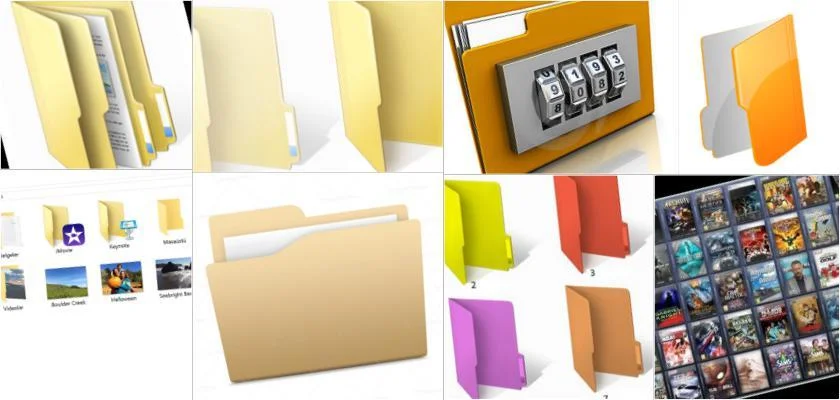
Smart board usages are common in classrooms and have many benefits and advantages for both students and teachers. However, these systems sometimes yield undesirable results. This is when the folder appears empty despite having files inside it. When encountering this problem, it is essential to right-click within the folder, go to properties, and uncheck the read-only option. This will resolve the issue.
Why Don't PowerPoint Presentations Work on the Smart Board Application?
Just as there are folder issues with smart boards, some installations and systems also fail to work. If PowerPoint presentations do not work, unfortunately, Office is not installed. In this case, you should try running them with LibreOffice and by changing the default programs, reopen the application and run it. This will fix the problems.
Why Don't Touches Work When Double-Clicked?
Touches generally do not work when the double-click interval is too long. To solve this problem, you need to adjust the speed option in the Control Panel under Mouse settings. Even after doing this, the problem may persist slightly at times, and you can resolve it by using the right-click menu. Another suggestion is to set single-click in folder options. Double-clicking problems on smart board systems are often caused by Netsupport Protect software. Problems are resolved by communicating with the smart board manufacturer and utilizing their adjustments and programming services.