
Kyocera Copier Technical Service Strategies to Prevent Office Crises Before They Grow
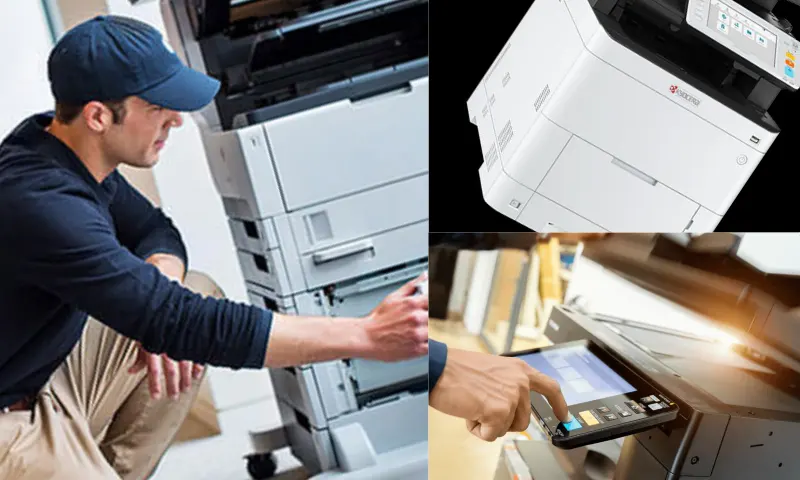
Operational Speed in Kyocera Copier Technical Service Processes
Have you ever experienced the panic caused by a red error code appearing on the device screen in the middle of a workday, just hours before a critical tender deadline? The halt in operations is not just a paper jam; it's a loss of prestige, time, and money. It is precisely in these chaotic moments that ADA Büro Makineleri steps in as a professional savior, rescuing businesses from cumbersome intervention processes. You can clearly examine how device failures multiply company costs and the measures taken against them at the link: https://www.adaburo.com.tr/teknik-servis-hizmeti/. Time is the only company capital that cannot be replaced. Kyocera copier technical service infrastructure requires a proactive maintenance discipline that detects problems before they occur, not after. When the machine's fuser unit begins to reach the end of its life, it actually signals weeks in advance with faded prints or slight paper creasing. Most office workers ignore these warnings until the device completely locks up in the middle of the workday.
Office Precautions from Kyocera Copier Technical Service Experts
The biggest cost burden on a company during a breakdown is not the repair bill, but the empty hours personnel spend idly by the machine. The difference between the precise intervention of an expert team and the trial-and-error sessions of an amateur repairman directly affects your company's daily turnover. Diagnostic software connected to the hardware detects mechanical fatigue in minutes, returning the office flow to normal.
Until the service arrives, you should instill these emergency reflexes in your teams to prevent the malfunction from worsening and to protect the hardware:
- Note the warning codes on the device screen (e.g., C6000 or C6400) and relay them to the support team; this simple step halves the intervention time.
- Avoid overfilling paper cassettes to the limit line. Overloading rapidly depletes the mechanical life of the rollers.
- Never insert damp or creased documents into the machine. Forcibly pulling a jammed paper can cause permanent scratches on the fuser unit.
- Frequently remind your staff that cheap, non-original toners quickly fill up the waste toner boxes and clog the system from within.
Dialing random numbers during a malfunction and waiting for parts for days destroys your business's competitive agility. Instead of abandoning that hardware in the corner of your desk and waiting for it to break down at any moment, why not secure your workflow with a professional maintenance shield?